
Getting started with the dashboard
This guide gets you from signing in to having Testa installed on your website.
1. Log in
Open your Testa dashboard and sign in with your email and password.
2. Create a project
Go to Projects and create a project for your website. A project is the container for your experiments and holds the tracking script for that site.

3. Get your integration script
Open your project and click the Code icon to reveal your tracking script. Copy the full snippet.
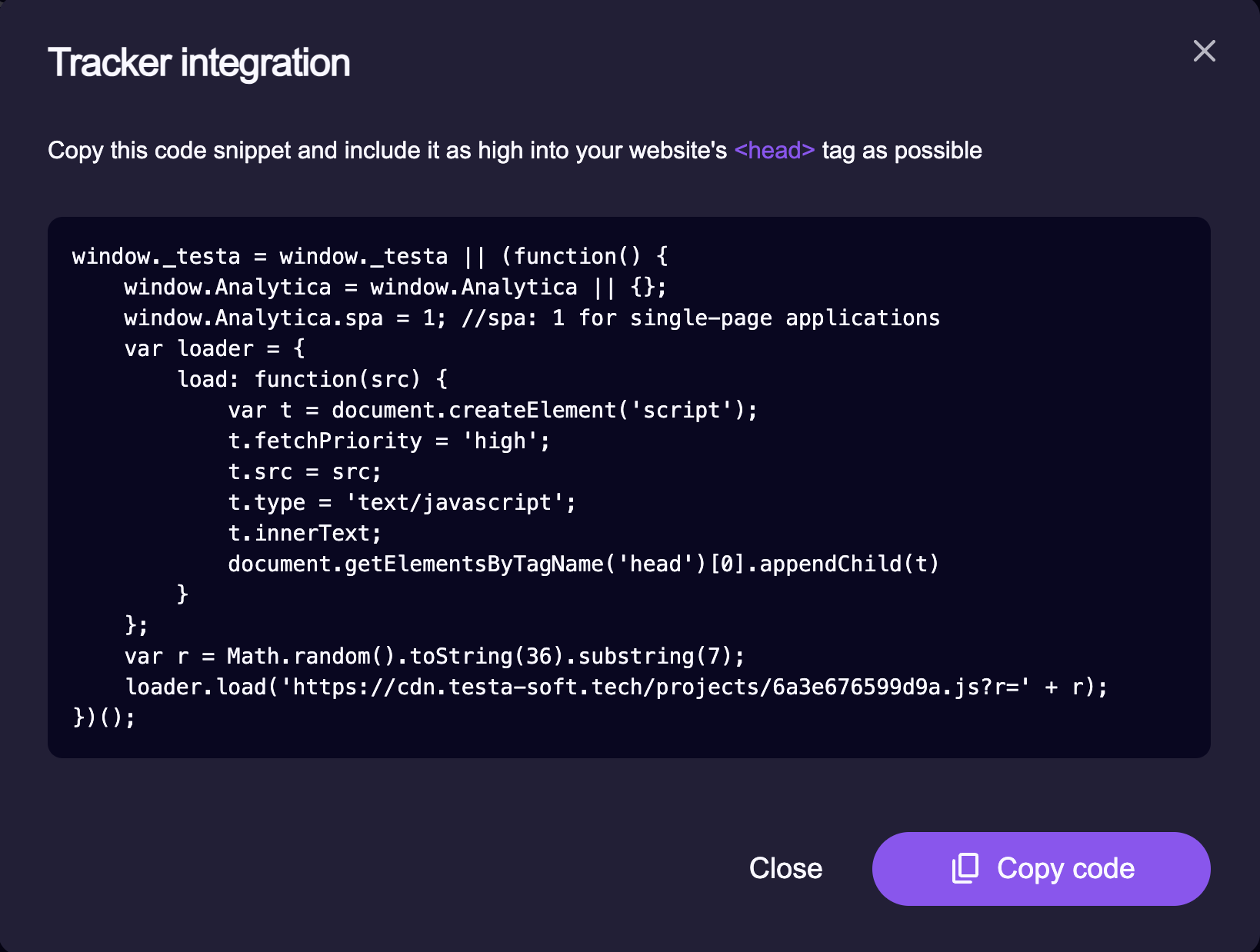
4. Add the script to your website
Paste the snippet into the <head> of every page on your site. Once it's in
place, Testa is installed and can run experiments and record conversions.
Place it high
Add the snippet as the first script in the page head, before anything else, so variations apply before the page renders and visitors never see a flash of the original content.
That's it — your site is connected. Next, learn how the script works and how to target your experiments.
Next steps
- Concepts — how Testa works
- Integration — the Testa script in depth (setup, tracking, SPA, logging)